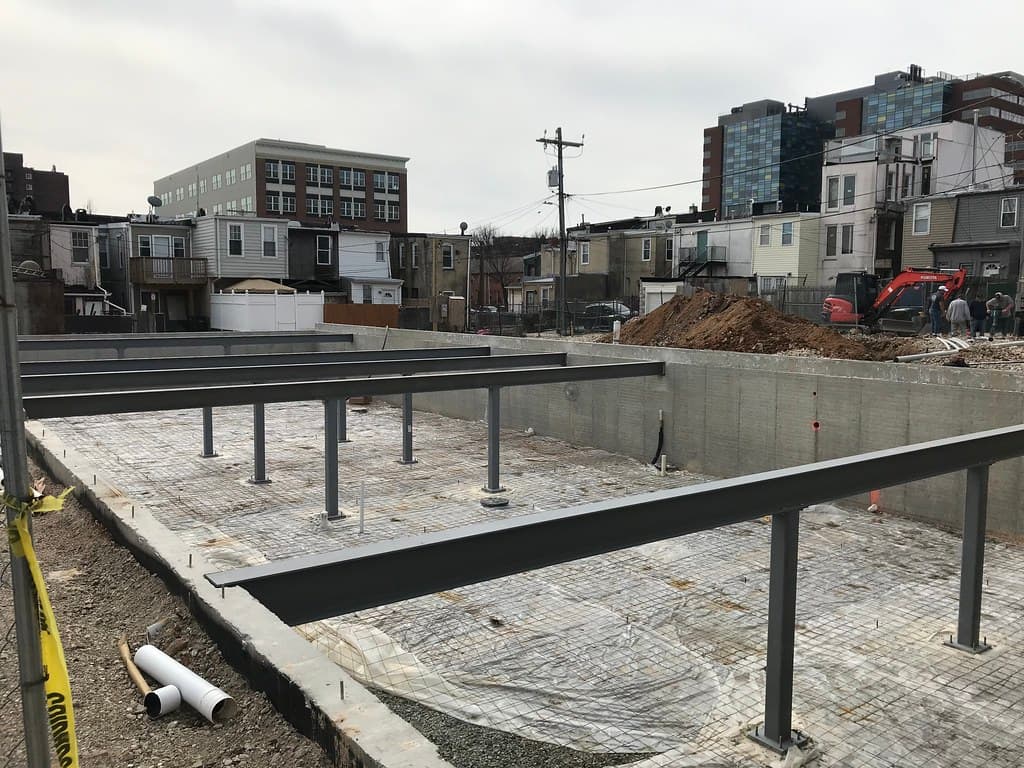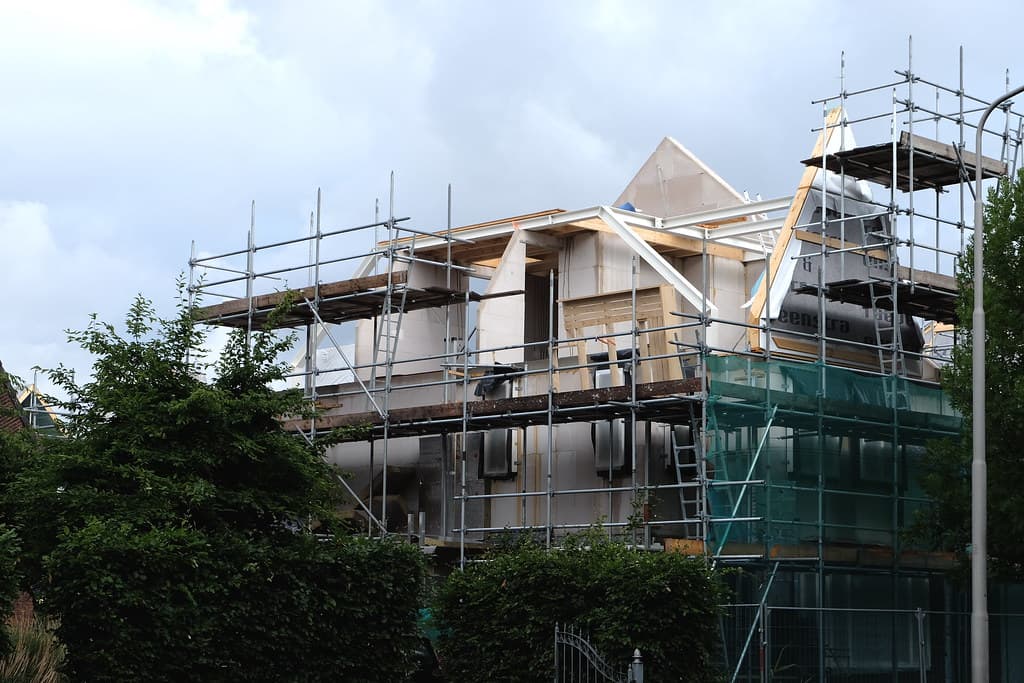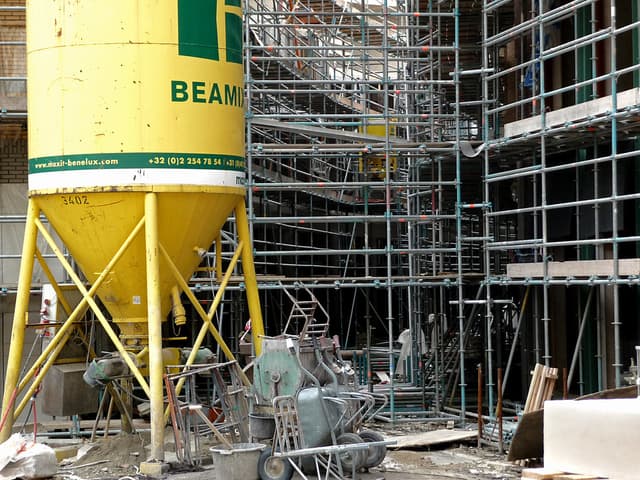
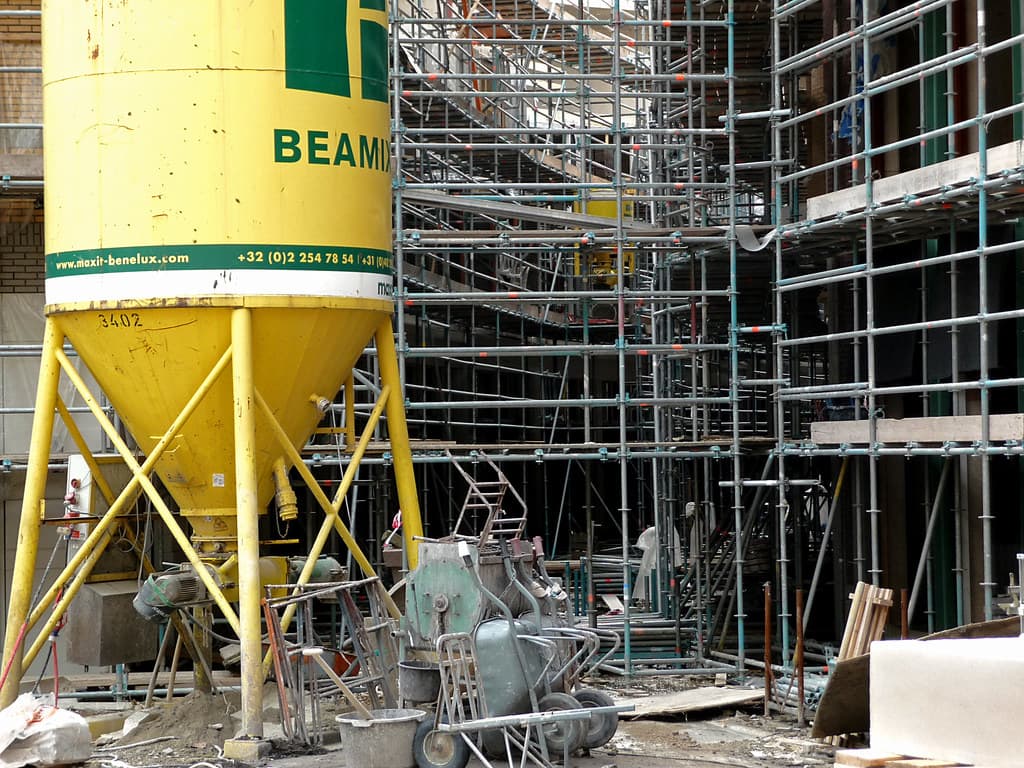
Structure with scaffolding and a mortar silo
Visit #16 · Mar 18 · 10:42

The build goes up. Your client sees it.

Every site visit becomes photos, a daily log and progress your client can follow from anywhere, right on their phone.

Project timeline · phase 4 of 8 · structure
For your client

Fewer “how's it going?” texts.

Clients stop calling to ask for photos. They get a link to the project, updated after every visit, and you save time and earn trust.

  • WhatsApp link
    No sign-up neededPhases, daily log and photos in one link. Financial figures stay private.
  • Client Portal
    Instant alertsReal-time notification every time your team logs a visit.
  • PDF report
    One clickSummary, schedule and photo log, branded with your company.
JC
Julia Costaclient · Vila Aurora
Today
Hi Mark! How's the build going? Could you send me some photos of the slab?
Vila Aurora Residence · ObraVisor

Structure · 41% complete · 14 new photos

obravisor.com
It's all here, and it updates after every visit: obravisor.com/o/k7Qx2
Love it, I can even see the rebar! Sending it to my dad.
New visit at Vila AuroraGround-floor slab pour · 14 photos · now
On site

The site log that writes itself on your phone.

  1. 1

    Set up the project in minutes

    Phases with deadlines, budget, purchases and documents in one place.

  2. 2

    Log the visit on site

    Camera photos, weather, crew and incidents. Out comes a full daily report.

  3. 3

    Your client gets it right away

    Portal notification, WhatsApp link or PDF report.

Daily Site Report

Vila Aurora Residence · Wed, 03/18/2026
Report #016
Weather
Morning · sunnyAfternoon · cloudySite: workable
Crew
4Masons3Laborers2Rebar workers1Foreman10Total
Work done
Ground-floor slab pour, grid lines A–D. Formwork for columns C5 to C12.
Incidents
Ready-mix concrete arrived 2 hours late.
Photos

Concrete pour
Scaffolding
Foundation
Masonry+10
Logged by Mark Lima · site foreman10:42
Features

Everything the project needs, on one sheet.

A

Show your client

Photo site logA visual timeline of every visit, with weather, crew and incidents.
Client PortalProject progress and real-time alerts after each visit.
Public linkShare it on WhatsApp. Opens without an account and hides the financials.
PDF reportSummary, schedule and photos with your branding.
B

Run the project

Phases and schedulePlanned × actual per phase, with late-phase alerts.
Budget and financesItemized budget, income, expenses and budgeted × actual.
Purchases by supplierQuote, approved, received. Change the status right on the card.
C

Organize the company

DocumentsPlans, contracts, permits and engineering records per project.
Team and rolesInvite your team and clients. Sign in with email or Google.
Isolated dataEach company only sees its own data.
Pricing

From your first house to the whole company.

Start free and switch plans as your operation grows. Cancel anytime.

Free
US$ 0/mo

To try it out and run your first project.

  • 1 active project
  • Visit log with photos
  • Updates for 1 client
Start free
Bronze
US$ 12/mo

For small builders getting organized.

  • Up to 5 projects
  • Phases and deadlines
  • Team with roles
  • Client invitations
Get Bronze
Silver · most popular
US$ 24/mo

For growing construction companies.

  • Up to 20 projects
  • Multiple organizations
  • Unlimited visit reports
  • Email support
Get Silver
Gold
US$ 49/mo

For larger operations and multiple crews.

  • Unlimited projects
  • Unlimited organizations
  • Advanced roles
  • Priority support
Get Gold
FAQ

What builders ask before getting started.

What is ObraVisor?

ObraVisor is construction management and client-update software for builders, contractors and renovation companies. It combines a daily site log with photos, phases and schedule, budget, finances, purchases and documents, and lets the end client follow the project through the Client Portal, a WhatsApp link or a PDF report.

Does my client need to install an app or create an account?

No. The public project link opens right in the phone's browser, with no sign-up. If your client wants a notification after every visit, they can sign in to the Client Portal with email or a Google account.

Does it work on a phone, right on the jobsite?

Yes. ObraVisor runs in the browser on any phone, tablet or computer. On site, the team logs the visit and takes photos with the phone's own camera.

How much does ObraVisor cost?

There is a free plan for 1 active project, with no credit card. Paid plans range from US$ 12 to US$ 49 per month, depending on the number of projects and organizations, and you can cancel anytime.

What is a daily site log (daily construction report)?

A daily construction report records each day or visit: work done, weather, crew on site, incidents and photos. In ObraVisor, every logged visit becomes a report on a visual timeline and goes into the project report, which you can save as a PDF.

Can my client see the budget and costs?

No. Your client sees phases, the site log and photos. Budget, finances, purchases and documents are visible only to your team.

Is my data secure?

Yes. Each company's data is isolated, access requires signing in with email or Google, every person has a role with its own permissions, and data is handled under Brazil's LGPD data protection law.

Log your first visit today.

Create your account, add the project and send the link to your client before the workday ends.

Start freeFree plan · no credit card